A potential client visits your website looking for legal help.
But they cannot use the menu with a keyboard. Their screen reader cannot understand your consultation form. Your text is difficult to read, and your videos have no captions.
They leave without contacting your firm.
Website accessibility is not only a design issue. For law firms, it can affect client access, reputation, lead generation, and legal risk.
Important: This article is for general informational purposes and is not legal advice.
What Does ADA Compliance Mean for a Law Firm Website?
Law offices are specifically included among the businesses covered by Title III of the Americans with Disabilities Act.
The U.S. Department of Justice has also stated that businesses open to the public must make the goods and services they offer online accessible to people with disabilities.
However, there is currently no single federal checklist that guarantees a private business website is ADA compliant.
For this reason, businesses commonly use the Web Content Accessibility Guidelines, known as WCAG, as the main technical standard for improving accessibility.
Many organizations aim for WCAG 2.2 Level AA.
Why Law Firms Should Pay Attention
Website accessibility problems are extremely common.
WebAIM’s 2026 review of one million homepages found detectable WCAG failures on 95.9% of the pages tested.
Website accessibility lawsuits also remain a significant concern. According to Seyfarth Shaw, 3,117 federal website accessibility lawsuits were filed in 2025, representing a 27% increase from the previous year.
These figures do not include every state lawsuit, settlement, or demand letter.
For law firms, inaccessible website features may prevent users from:
- Reading practice-area information
- Reviewing attorney profiles
- Completing an intake form
- Scheduling a consultation
- Using live chat
- Accessing a client portal
- Downloading legal guides
Source: WebAIM Million Report
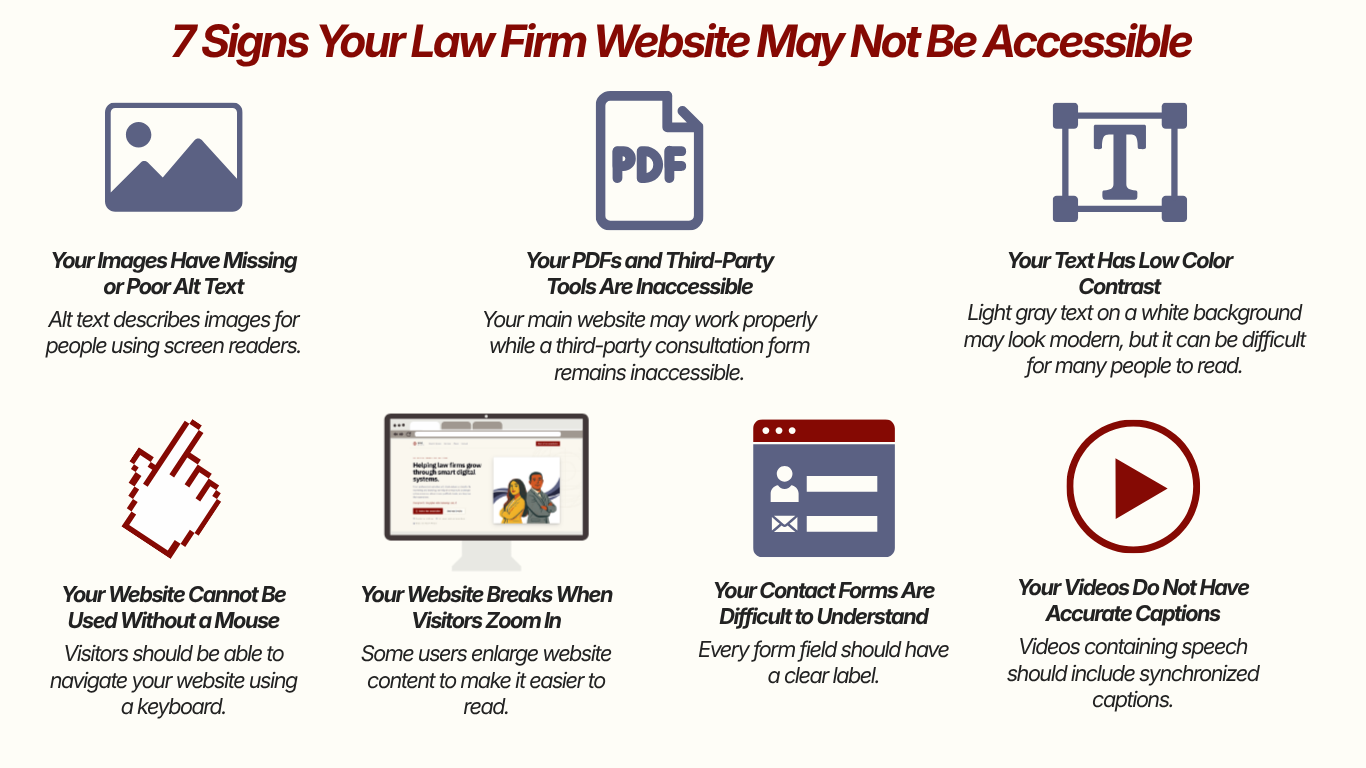
7 Signs Your Law Firm Website May Not Be Accessible
1. Your Website Cannot Be Used Without a Mouse
Visitors should be able to navigate your website using a keyboard.
Try using only the Tab, Enter, Space, and arrow keys.
Can you:
- Open the menu?
- Reach the consultation button?
- Complete the contact form?
- Close popups?
- Use the live-chat tool?
If not, your website may contain serious accessibility barriers.
2. Your Images Have Missing or Poor Alt Text
Alt text describes images for people using screen readers.
Attorney photos, charts, office maps, and informational graphics should have useful descriptions.
File names such as IMG_2457.jpg or vague descriptions such as “image” are not helpful.
3. Your Text Has Low Color Contrast
Light gray text on a white background may look modern, but it can be difficult for many people to read.
WCAG generally recommends a contrast ratio of:
- 4.5:1 for normal text
- 3:1 for large text
Low-contrast text was the most common accessibility issue found in WebAIM’s 2026 study.
4. Your Contact Forms Are Difficult to Understand
Every form field should have a clear label.
Visitors should be able to understand:
- What information is required
- Which field contains an error
- How to correct the error
- Whether the form was submitted successfully
Placeholders alone are not always enough.
5. Your Videos Do Not Have Accurate Captions
Law firms frequently publish videos about legal rights, attorneys, case types, and frequently asked questions.
Videos containing speech should include synchronized captions.
Automatically generated captions should also be reviewed because they often misinterpret attorney names, legal terminology, and locations.
6. Your Website Breaks When Visitors Zoom In
Some users enlarge website content to make it easier to read.
At 200% zoom, your website should not have:
- Overlapping text
- Hidden buttons
- Cut-off forms
- Unusable menus
- Popups that cannot be closed
7. Your PDFs and Third-Party Tools Are Inaccessible
Accessibility problems may also exist in:
- PDF guides
- Intake documents
- Appointment schedulers
- Payment tools
- Chatbots
- Client portals
- Embedded maps
- Review widgets
Your main website may work properly while a third-party consultation form remains inaccessible.
Does an Accessibility Widget Make a Website Compliant?
Not necessarily.
Accessibility widgets and overlays may allow visitors to enlarge text, change colors, or adjust the display.
However, they usually do not fix every problem within the website’s code, content, forms, PDFs, or third-party tools.
The American Bar Association has warned businesses against treating overlays as a complete compliance solution.
A widget should not replace:
- Manual testing
- Keyboard testing
- Screen-reader testing
- Code corrections
- Accessible content
- Ongoing website monitoring
No plugin can guarantee that a law firm will avoid an accessibility complaint or lawsuit.
What Should Your Law Firm Do Next?
A responsible accessibility process usually includes:
- Reviewing important pages and client journeys
- Running automated accessibility scans
- Performing manual keyboard testing
- Testing forms and interactive tools
- Reviewing PDFs, videos, and images
- Correcting reusable website templates
- Publishing an accessibility statement
- Monitoring the website as new content is added
Accessibility should not be treated as a one-time project. New plugins, pages, videos, forms, and website updates can introduce new barriers.
Is Your Law Firm Website Creating Barriers?
Your website may be the first place someone goes when they need urgent legal help.
They should be able to understand your services, learn about your attorneys, and request a consultation regardless of how they access the internet.
SyncReach helps law firms review their websites for accessibility, SEO, usability, content, and conversion problems.
We can identify high-priority issues and provide a practical improvement plan for your website team.
Request a law firm website review from SyncReach.
Sources
- U.S. Department of Justice Website Accessibility Guidance
- Web Content Accessibility Guidelines 2.2
- WebAIM Million Accessibility Report
- Seyfarth Shaw Website Accessibility Lawsuit Report
- American Bar Association Digital Accessibility Guidance